
Muv-Luv Girls Garden System Requirements: The 20 GB Problem
A 2012 integrated GPU clears the minimum, but the install is 20 GB. Full spec table, demo advice, and what actually causes stutter.
The minimum GPU is an Intel HD 4000 and the minimum CPU is a decade-old i3, so almost any Windows machine from the last twelve years will run this. The catch is storage: 20 GB for a game that renders 2.5D sprites, which is a lot of disk for an idle RPG.
Those are the two facts worth having before you hit install. Everything below is the detail behind them.
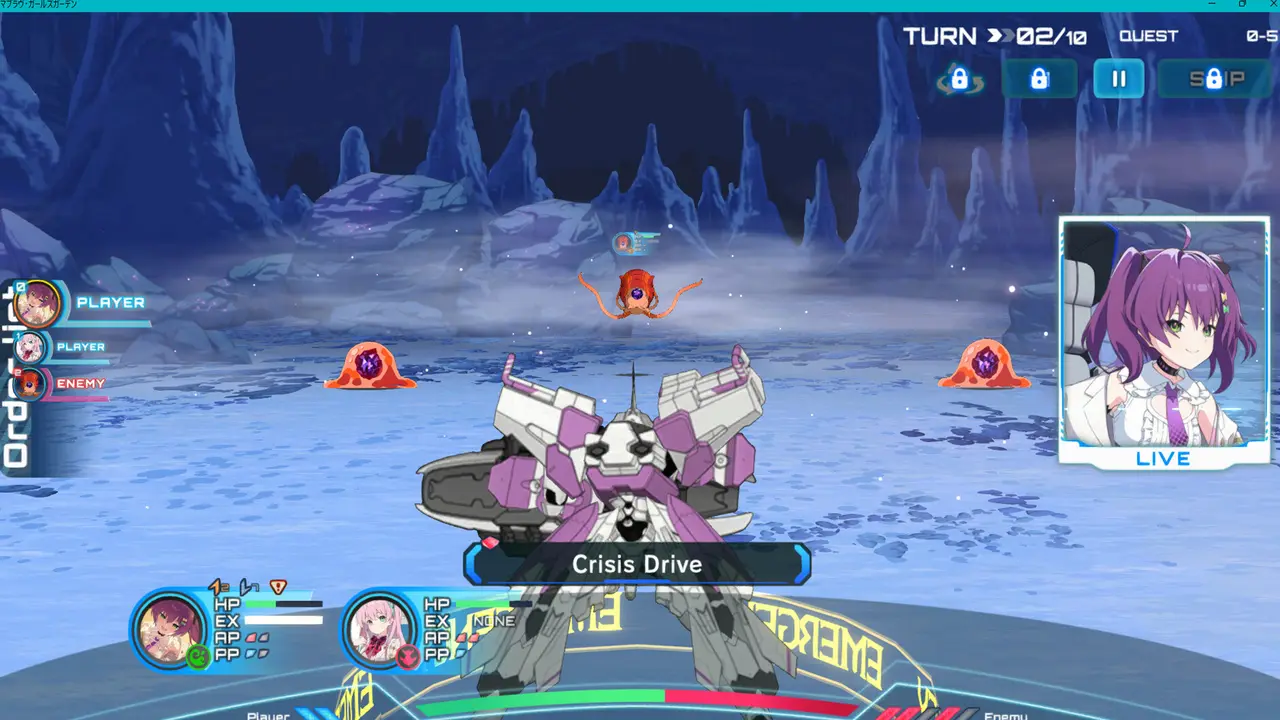
Before installing, check the Steam listing → for the demo app ID and the language depots.
The spec table
| Minimum | Recommended | |
|---|---|---|
| OS | Windows 10 64-bit | Windows 10 64-bit |
| CPU | Intel Core i3-4130 / AMD FX-6300 | Intel Core i7-9700 / Ryzen 5 3600 |
| RAM | 4 GB | 8 GB |
| GPU | Intel HD Graphics 4000 | GeForce GTX 1050 / Radeon RX 560 |
| DirectX | 11 | 12 |
| Storage | 20 GB | 20 GB |
| Network | Broadband for online features | Broadband |
The gap between minimum and recommended is mostly about the Maze and PvP scenes, where more units render at once. Story segments and menus will run fine on the minimum.

What the 20 GB is for
Voice acting in Japanese, the animated 2.5D combat sequences, and the visual-novel backgrounds. The client is not doing anything unusual; it is simply a content-heavy release that has not been aggressively compressed.
If disk is tight, the demo is the better first install — it has its own app ID on the store page, so it can be installed and removed without the full client.
The demo covers enough of the combat and story presentation to tell you whether your machine stutters in the Maze. If the demo is smooth, the full build will be.
What actually causes stutter
On machines that meet the recommended specs, the usual culprits are not the GPU. Windowed mode with a non-native resolution, an outdated driver on a laptop with switchable graphics, and running from a mechanical drive all show up as stutter in combat scenes.
Two fixes cover most of it: force the dedicated GPU in your graphics driver settings, and keep the game on an SSD if you have one. The client streams assets during combat transitions, and a slow disk shows.
Does it run on a Steam Deck?
The store page does not list Deck compatibility at the time of writing. The specs are within the Deck's range, but an unlisted live-service game with an anti-cheat-free client and an online PvP component is exactly the case where "it launches" and "it is supported" are different claims. Treat it as untested rather than verified.
Windows, Mac and mobile
The global release is Windows-only on Steam. There is no macOS build, no Linux build and no global mobile app; the Japanese mobile version exists but is a separate service with separate data.
If your machine is macOS, the realistic option is a Windows VM or a cloud gaming service, not a native install. Check the Steam page breakdown → for what the listing includes, and the release date page → for platform timing.
Pre-install checklist
Confirm Windows 10 64-bit, 20 GB free on the target drive, current GPU drivers, and a broadband connection for the first launch. Then install the demo first if you are unsure.
FAQ
Can my laptop run Muv-Luv Girls Garden? If it has 4 GB of RAM, a DX11-capable GPU and 20 GB free, it meets the minimum. Integrated graphics from the last decade clear the bar.
How big is the download? 20 GB of storage is listed on the store page; the download itself is somewhat smaller before unpacking.
Is there a Mac version? No. The global release is Windows-only.
Do I need DirectX 12? No. DX11 is the minimum; DX12 is recommended.
Official source: Muv-Luv Girls Garden on Steam ↗ Official source: Official English site ↗ Community source: Japanese launch and system notes ↗